import { ScrollArea } from "@/components/ui/scroll-area";

const BILLS = [
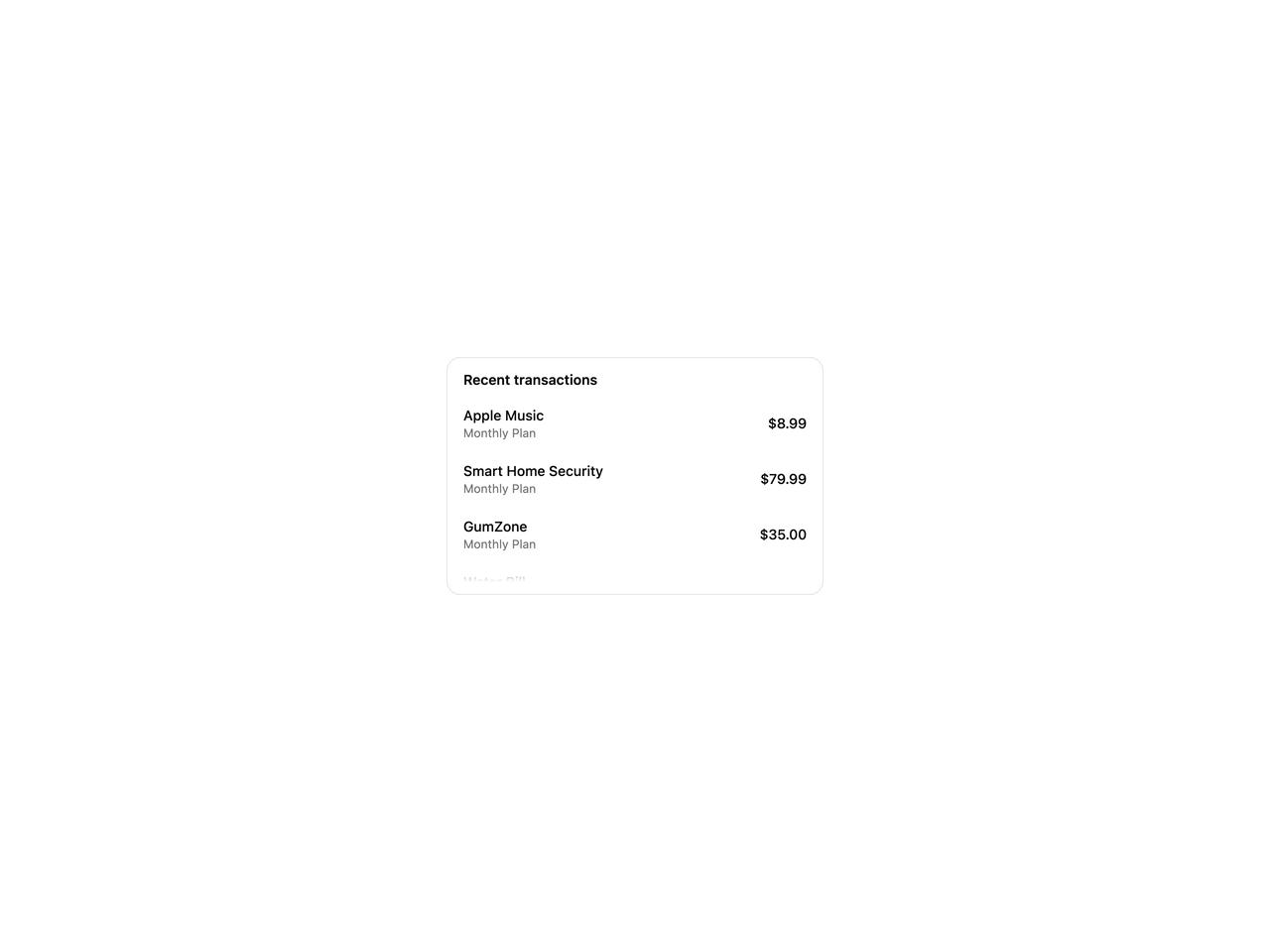
  { id: "apple", name: "Apple Music", price: "$8.99" },
  { id: "home", name: "Smart Home Security", price: "$79.99" },
  { id: "gum", name: "GumZone", price: "$35.00" },
  { id: "water", name: "Water Bill", price: "$24.50" },
  { id: "power", name: "Electricity", price: "$63.69" },
];

export default function ScrollAreaHiddenDemo() {
  return (
    <div className="flex w-full items-center justify-center bg-background p-10">
      <div className="flex h-[240px] w-full max-w-[380px] flex-col rounded-xl border border-border bg-card p-3">
        <p className="px-1 pb-2 text-sm font-semibold text-foreground">
          Recent transactions
        </p>
        <ScrollArea
          label="Recent transactions"
          scrollbar="hidden"
          className="-mx-1 flex-1"
        >
          <ul className="m-0 flex list-none flex-col gap-1 p-0">
            {[...BILLS, ...BILLS].map((row, index) => (
              <li
                key={`${row.id}-${index}`}
                className="flex items-center justify-between gap-3 rounded-lg px-2 py-2 hover:bg-muted/60"
              >
                <div className="flex flex-col">
                  <span className="text-sm font-medium text-foreground">
                    {row.name}
                  </span>
                  <span className="text-xs text-muted-foreground">
                    Monthly Plan
                  </span>
                </div>
                <span className="text-sm font-medium text-foreground">
                  {row.price}
                </span>
              </li>
            ))}
          </ul>
        </ScrollArea>
      </div>
    </div>
  );
}