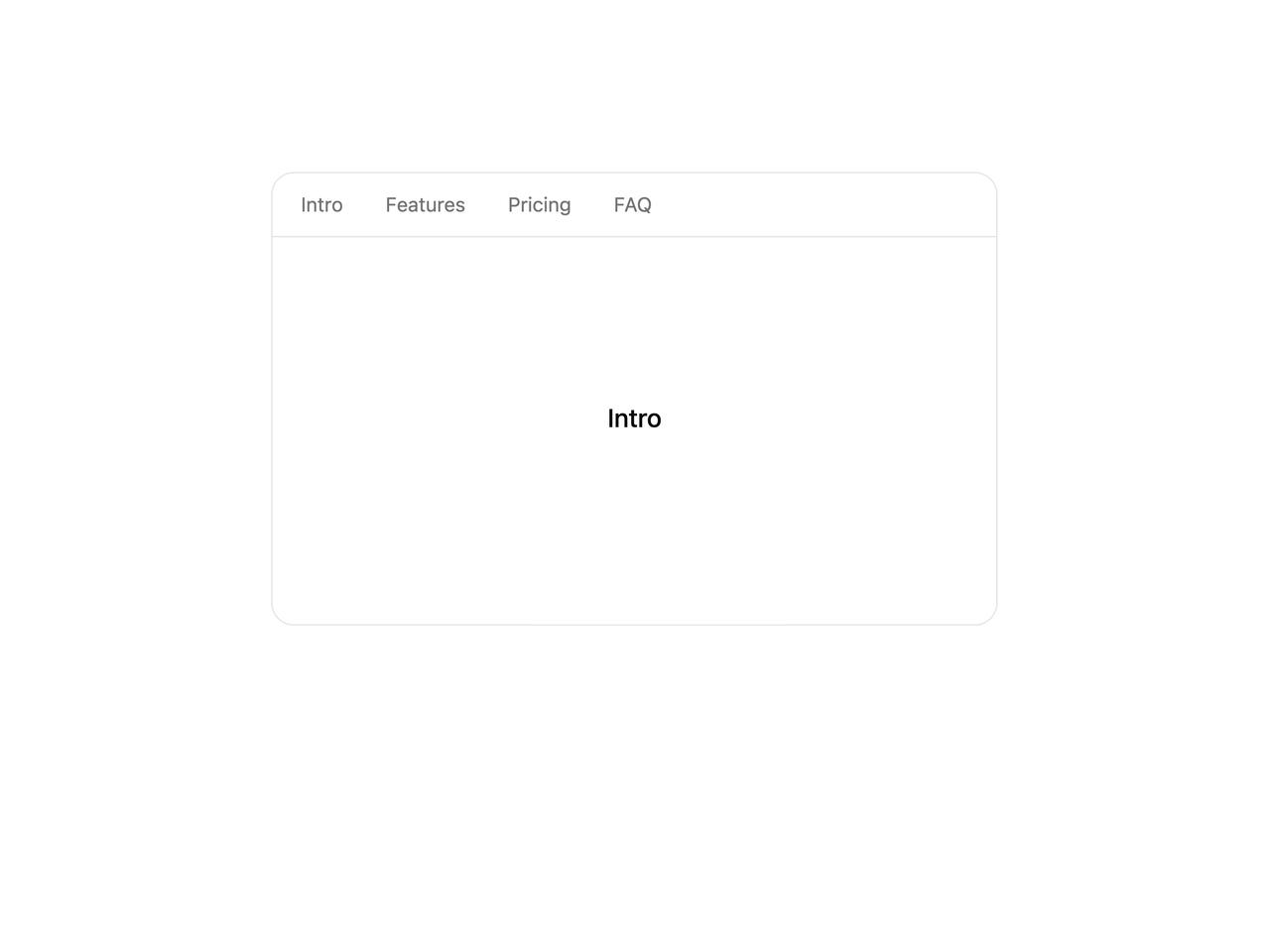
import { ScrollTo } from "@/components/ui/scroll-to";
import { SmoothScroll } from "@/components/ui/scroll-to-utils/smooth-scroll";

// ScrollTo uses the active SmoothScroll provider. Here it's contained
// (root={false}); the nav buttons glide the box to each section.
const SECTIONS = [
  { id: "sec-intro", label: "Intro" },
  { id: "sec-features", label: "Features" },
  { id: "sec-pricing", label: "Pricing" },
  { id: "sec-faq", label: "FAQ" },
];

export function ScrollToPreview() {
  return (
    <SmoothScroll
      root={false}
      className="relative h-80 w-full max-w-lg overflow-y-auto scrollbar-hide rounded-2xl border border-border bg-card"
    >
      <nav className="sticky top-0 z-10 flex gap-1.5 border-b border-border bg-background/80 p-2 backdrop-blur">
        {SECTIONS.map((s) => (
          <ScrollTo
            key={s.id}
            to={`#${s.id}`}
            offset={-48}
            className="rounded-full px-3 py-1 text-sm text-muted-foreground transition-colors hover:bg-muted hover:text-foreground"
          >
            {s.label}
          </ScrollTo>
        ))}
      </nav>

      {SECTIONS.map((s) => (
        <section
          id={s.id}
          key={s.id}
          className="flex h-64 items-center justify-center text-lg font-medium text-foreground"
        >
          {s.label}
        </section>
      ))}
    </SmoothScroll>
  );
}

export default ScrollToPreview;